




STEAM STATISTICS
Player activity
Highest concurrent Steam player count in each hourly interval. All times UTC.
Player insights
AT A GLANCERecent popularity
Peak concurrent players yesterday (UTC).
Activity trend
Average hourly peaks vs. the previous 24 hours.
Busiest hour
1,943 players at the average hourly peak.
Monthly average
November 2026 · average concurrent players.
HISTORICAL DATA
Monthly player history
Compare average concurrent players and recorded peaks. The current month is still in progress; “Last 30 Days” is a rolling window.
| Month | Avg. players | Gain / loss | Change | Peak players |
|---|---|---|---|---|
| Last 30 Days | 1,106.4 | 0.0 | 0.0% | 2,166 |
| November 2026 | 1,106.4 | 0.0 | 0.0% | 2,166 |
Latest available data · Nov 24, 2026, 10:58 UTC
STREAMING
Twitch audience
Viewers watching streams of Desktop Duck. This audience is measured separately from players.
No data source is configured for this game.
SEARCH TRENDS
Search interest
Relative interest on a 0–100 scale. Search scores describe attention, not the number of people playing.
Updated · Nov 2, 2026, 00:20 UTC
CONTEXT MATTERS
What the numbers tell you
Steam, Twitch and Google measure different kinds of activity. Compare each signal over time to understand how interest in Desktop Duck is changing.
How ActivePlayer collects dataHow many people are playing right now?
1,032 concurrent Steam players were recorded in the latest available update. Check the timestamp beside the count for freshness.
How often do the numbers refresh?
The live count checks for updates every five minutes while this page is open. Monthly history and search interest update less frequently. If a feed is unavailable, the last available figures remain visible with their timestamp.
Why might a chart show a gap?
A gap means a measurement is missing. It does not mean zero players, zero viewers, or zero search interest. Newly released games may have only a short history.
The game behind the numbers
About Desktop Duck
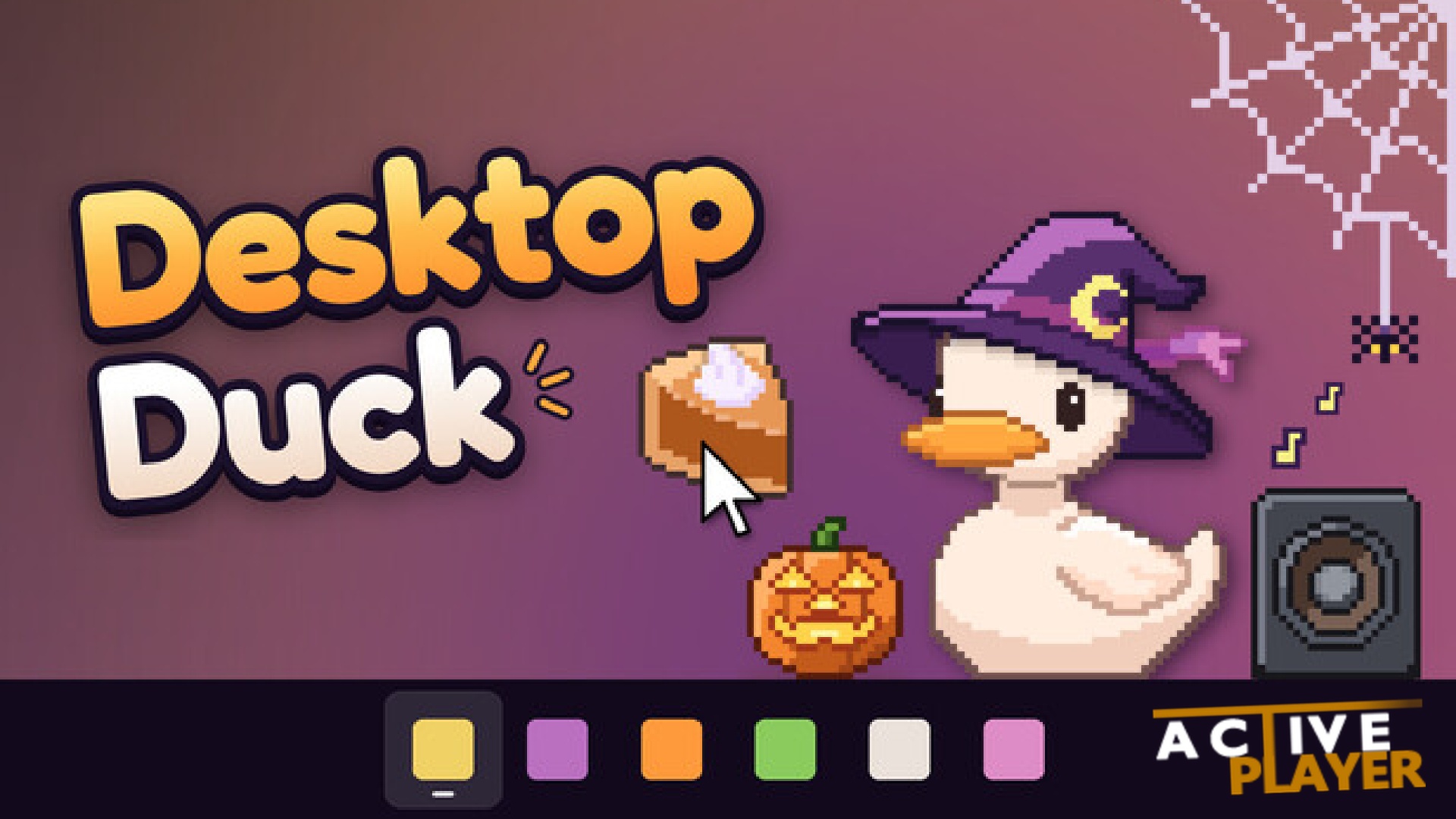
Desktop Duck brings a reactive virtual pet into the workspace. CenterPoint Gaming’s companion wanders across the desktop, settles near windows and finds its own activities, making ordinary computer use part of its appeal.
A companion with a collection loop
Attention and interaction sit alongside the duck’s autonomous behavior. Hats and glasses expand its appearance collection, while duplicate items can be turned into Feathers for targeted unlocks. The store also lists focus sessions, website blocking and screen-time features; these support its desktop-companion role rather than turning it into a conventional round-based game.
Friends can bring their ducks together online, with chat and emotes supporting social visits. Those visits add a multiplayer element to an experience that can otherwise remain a quiet background companion. Steam inventory items and trading are distinct from the number of people running the application.
Desktop Duck player count: reading the activity
The Desktop Duck player count measures concurrent Steam sessions, including users who leave the companion open while doing something else. It is therefore closer to simultaneous application use than a count of people actively petting or customizing a duck at that instant.
Online visits cannot be inferred from the overall total: some sessions are social and others are independent desktop use. Nor does concurrency disclose focus time, collection completion or monthly unique users. Compare timestamps and equivalent periods when evaluating adoption. Twitch data is unavailable where no source is configured, rather than evidence that nobody is watching.
Related player statistics
Loftia player statistics offer another relaxed social audience to explore. Loftia’s shared world and animal companions differ from Desktop Duck’s small desktop visits, while both include customization and time spent with friends.
Game profile
- Developer: CenterPoint Gaming
- Publisher: CenterPoint Gaming
- Format: Virtual desktop pet with online social visits
Game details: Desktop Duck on Steam. Player-count interpretation by ActivePlayer.
