







Two rounds can feel equally jerky for different reasons. Your PC might struggle to draw the next frame, or a network delay might make another player’s movement arrive late. A graphics setting can help with the first problem. Changing your mouse sensitivity in response to the second can leave you with two problems to solve.
1. Check what happens when the game feels slow
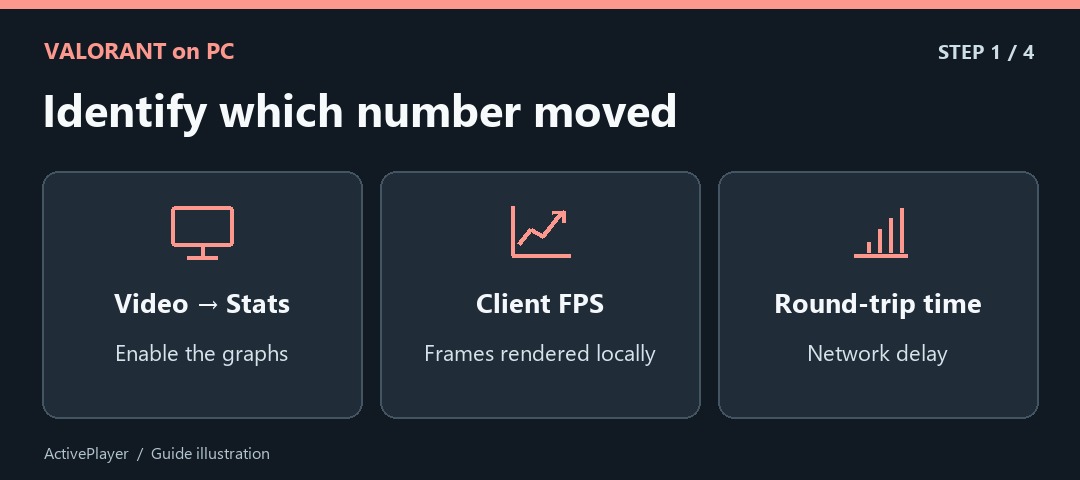
On PC, open Settings → Video → Stats and display the Client FPS and network round-trip-time readings. Watch what changes during the problem. A frequent local FPS dip points toward rendering performance. A spike in round-trip time with steady FPS points toward the connection. Riot’s instability guide explains the indicators, including packet loss. Record which one moves before touching the graphics settings.
2. Test multithreaded rendering against a baseline
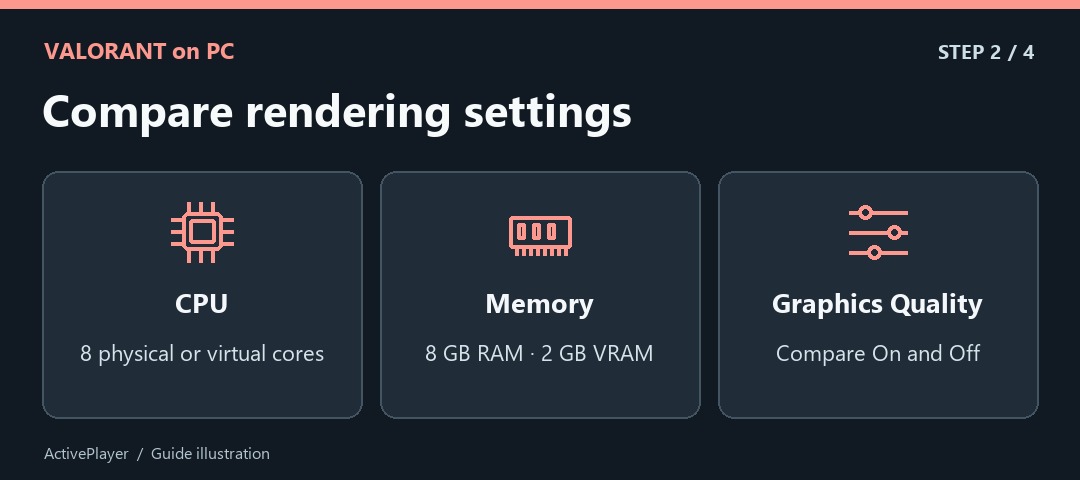
Open Graphics Quality and look for Multithreaded Rendering. Riot recommends at least 8 GB of system RAM, 2 GB of video RAM and eight physical or virtual CPU cores to benefit. On a suitable PC, compare On and Off in the same Range scene while keeping the other options fixed. Look at recurring dips as well as the highest FPS reading. Keep the setting that holds up in your comparison.
3. Save your existing crosshair before importing a new one
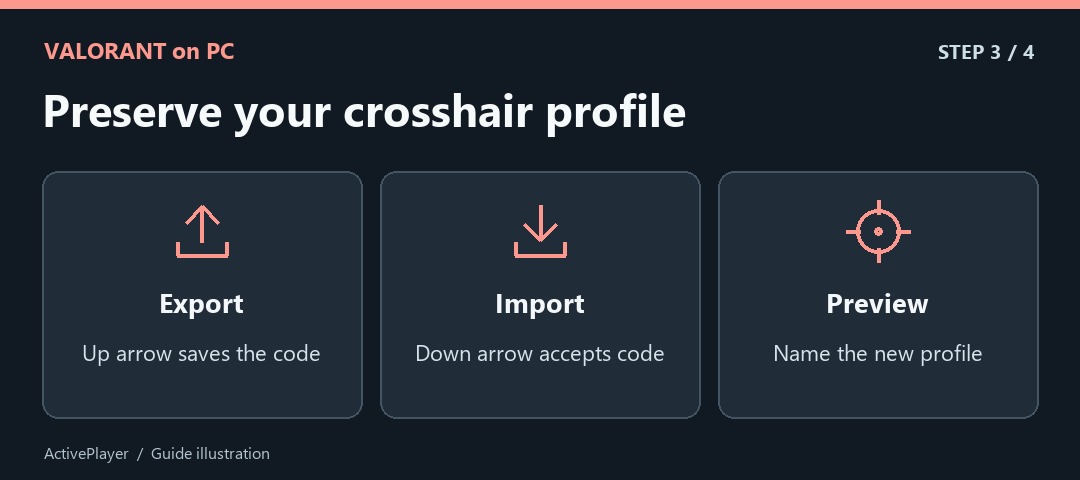
Go to Settings → Crosshair. Beside Crosshair Profile, the up arrow exports the current code to your clipboard. Save that code somewhere you can find it. The down arrow opens the import field. Paste a code, choose Import and check that the preview changes. Give the new profile a recognizable name. Riot’s crosshair instructions show which arrow does which job. Our VALORANT crosshair code list offers profiles you can compare.
4. Tune sensitivity with a repeatable aim drill
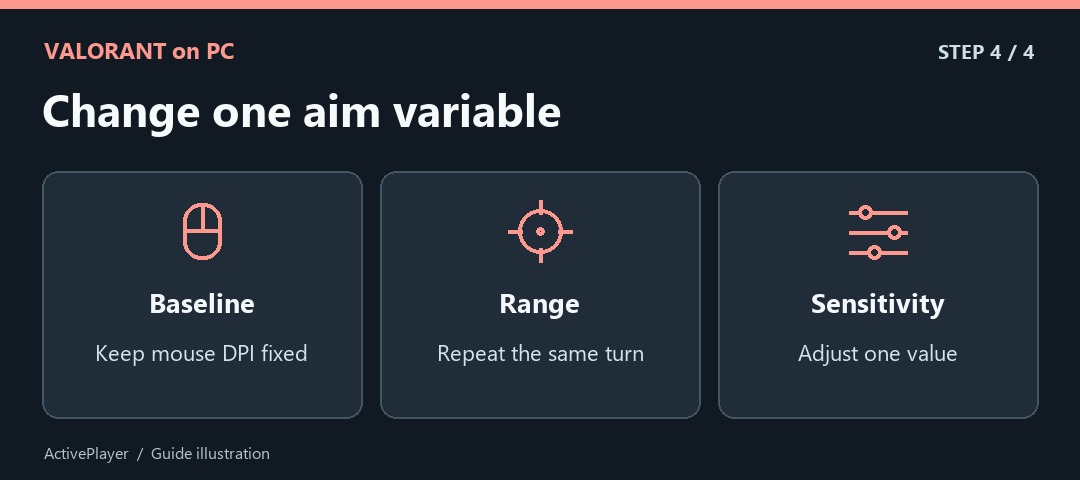
Write down your current sensitivity and keep mouse DPI fixed. In the Range, choose two stationary targets and move between the same pair several times. If you repeatedly sweep past the second target, try a small reduction. If you routinely stop short, try a small increase. Repeat the same movement before deciding whether it feels better.
Finally, try the new value against both a close and a farther target. The setting that feels quickest on a large target may make small corrections harder. Having the original value and crosshair code gives you a clean way back if either change makes aiming less comfortable.

