


The Game Statistics Authority : ActivePlayer.io
  • ActivePlayer
    • Top 20 PC Games of 2026
    • Popular Game Counters
    • Fortnite Leaderboard
    • Overwatch 2 Leaderboard
    • League of Legends Leaderboard
    • Valorant Leaderboard
    • Apex Legends Leaderboard
  • Twitch
    Rocket League Live Twitch Statistics

    Rocket League Twitch Statistics

    Dark and Darker Live Twitch Statistics

    Dark and Darker Live Twitch Statistics

    Final Fantasy XIV Online Live Twitch Statistics

    Final Fantasy XIV Online Live Twitch Statistics

    Shift at Midnight Twitch Statistics

    Shift at Midnight Live Twitch Statistics

    Path of Exile 2 Twitch Statistics

    Path of Exile 2 Twitch Statistics

    Hearthstone Live Twitch Statistics

    Hearthstone Live Twitch Statistics

    EA Sports FC 26 Twitch Statistics

    EA Sports FC 26 Twitch Statistics

    Brawl Stars Twitch Statistics

    Brawl Stars Twitch Statistics

    Nioh 3 Live Twitch Statistics

    Nioh 3 Twitch Statistics

  • Down Checker
    • Roblox Down Checker
    • Fortnite Down Checker
    • Genshin Impact Down Checker
    • Valorant Down Checker
    • Overwatch 2 Down Checker
    • Rainbow 6 Siege Down Checker
    • Apex Legends Down Checker
    • Destiny 2 Down Checker
    • Tarkov Live Status Checker
  • Tools
    • Fortnite Battle Royale Stats Tracker
    • Robux Conversion Caclculator
    • Riot Points to USD/Dollar Value Calculator
    • Fortnite V-Bucks to USD Calculator
    • Starfield Ship Name Generator
    • Top Guns in Warzone 2.0
  • Platform
    • Mobile
    • PC
    • PS5
    • PS4
    • XBOX
    • SWITCH
No Result
View All Result
  • ActivePlayer
    • Top 20 PC Games of 2026
    • Popular Game Counters
    • Fortnite Leaderboard
    • Overwatch 2 Leaderboard
    • League of Legends Leaderboard
    • Valorant Leaderboard
    • Apex Legends Leaderboard
  • Twitch
    Rocket League Live Twitch Statistics

    Rocket League Twitch Statistics

    Dark and Darker Live Twitch Statistics

    Dark and Darker Live Twitch Statistics

    Final Fantasy XIV Online Live Twitch Statistics

    Final Fantasy XIV Online Live Twitch Statistics

    Shift at Midnight Twitch Statistics

    Shift at Midnight Live Twitch Statistics

    Path of Exile 2 Twitch Statistics

    Path of Exile 2 Twitch Statistics

    Hearthstone Live Twitch Statistics

    Hearthstone Live Twitch Statistics

    EA Sports FC 26 Twitch Statistics

    EA Sports FC 26 Twitch Statistics

    Brawl Stars Twitch Statistics

    Brawl Stars Twitch Statistics

    Nioh 3 Live Twitch Statistics

    Nioh 3 Twitch Statistics

  • Down Checker
    • Roblox Down Checker
    • Fortnite Down Checker
    • Genshin Impact Down Checker
    • Valorant Down Checker
    • Overwatch 2 Down Checker
    • Rainbow 6 Siege Down Checker
    • Apex Legends Down Checker
    • Destiny 2 Down Checker
    • Tarkov Live Status Checker
  • Tools
    • Fortnite Battle Royale Stats Tracker
    • Robux Conversion Caclculator
    • Riot Points to USD/Dollar Value Calculator
    • Fortnite V-Bucks to USD Calculator
    • Starfield Ship Name Generator
    • Top Guns in Warzone 2.0
  • Platform
    • Mobile
    • PC
    • PS5
    • PS4
    • XBOX
    • SWITCH
No Result
View All Result
The Game Statistics Authority : ActivePlayer.io
No Result
View All Result

VALORANT PC settings: diagnose frame drops, tune your crosshair and find a repeatable sensitivity

Start with Riot’s performance graphs, then test one graphics or aim setting at a time in the Range.

Home Learn

Two rounds can feel equally jerky for different reasons. Your PC might struggle to draw the next frame, or a network delay might make another player’s movement arrive late. A graphics setting can help with the first problem. Changing your mouse sensitivity in response to the second can leave you with two problems to solve.

1. Check what happens when the game feels slow

On PC, open Settings → Video → Stats and display the Client FPS and network round-trip-time readings. Watch what changes during the problem. A frequent local FPS dip points toward rendering performance. A spike in round-trip time with steady FPS points toward the connection. Riot’s instability guide explains the indicators, including packet loss. Record which one moves before touching the graphics settings.
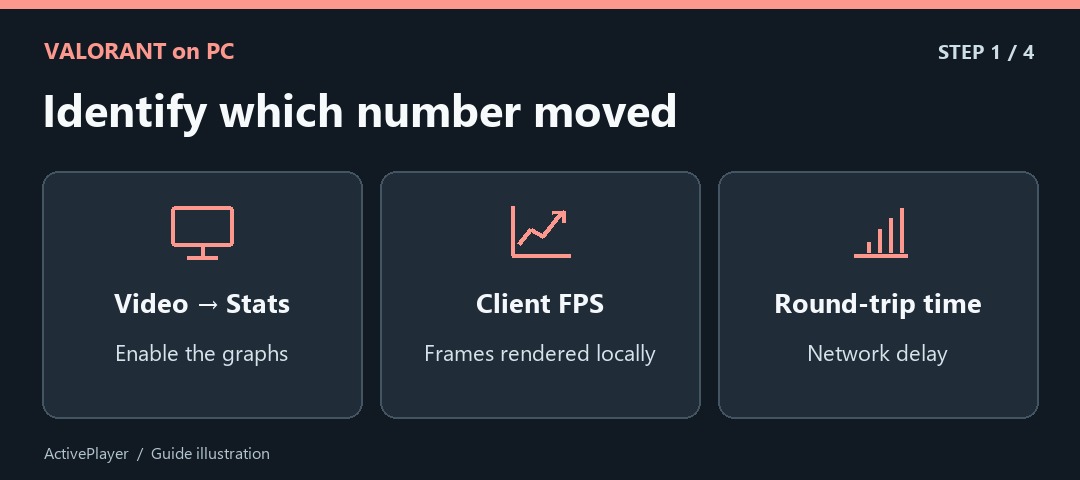
The Video Stats path branches into a frame-rate graph for local FPS and a signal icon for network round-trip time.
Illustration by ActivePlayer

2. Test multithreaded rendering against a baseline

Open Graphics Quality and look for Multithreaded Rendering. Riot recommends at least 8 GB of system RAM, 2 GB of video RAM and eight physical or virtual CPU cores to benefit. On a suitable PC, compare On and Off in the same Range scene while keeping the other options fixed. Look at recurring dips as well as the highest FPS reading. Keep the setting that holds up in your comparison.
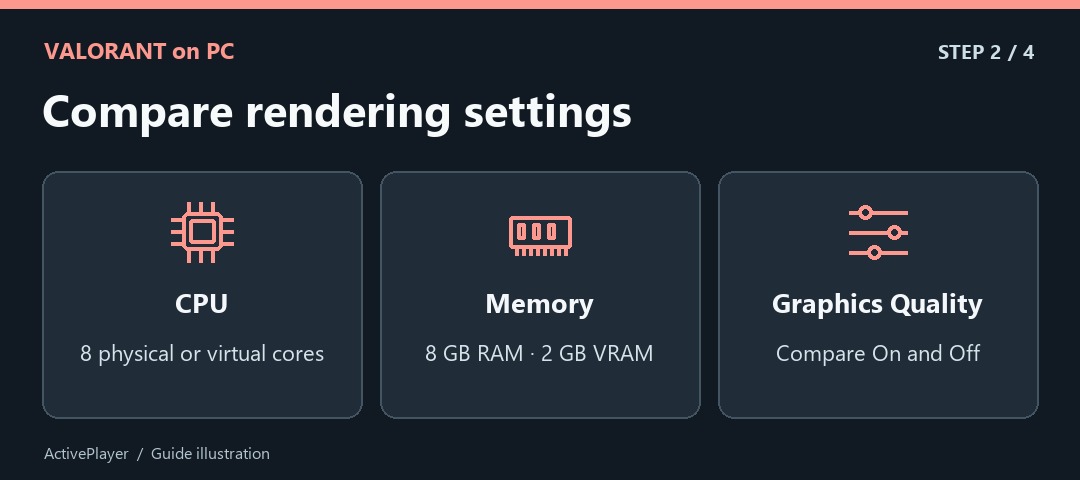
Riot's multithreaded-rendering guide calls for eight CPU cores, 8 GB RAM and 2 GB VRAM before comparing the setting.
Illustration by ActivePlayer

3. Save your existing crosshair before importing a new one

Go to Settings → Crosshair. Beside Crosshair Profile, the up arrow exports the current code to your clipboard. Save that code somewhere you can find it. The down arrow opens the import field. Paste a code, choose Import and check that the preview changes. Give the new profile a recognizable name. Riot’s crosshair instructions show which arrow does which job. Our VALORANT crosshair code list offers profiles you can compare.
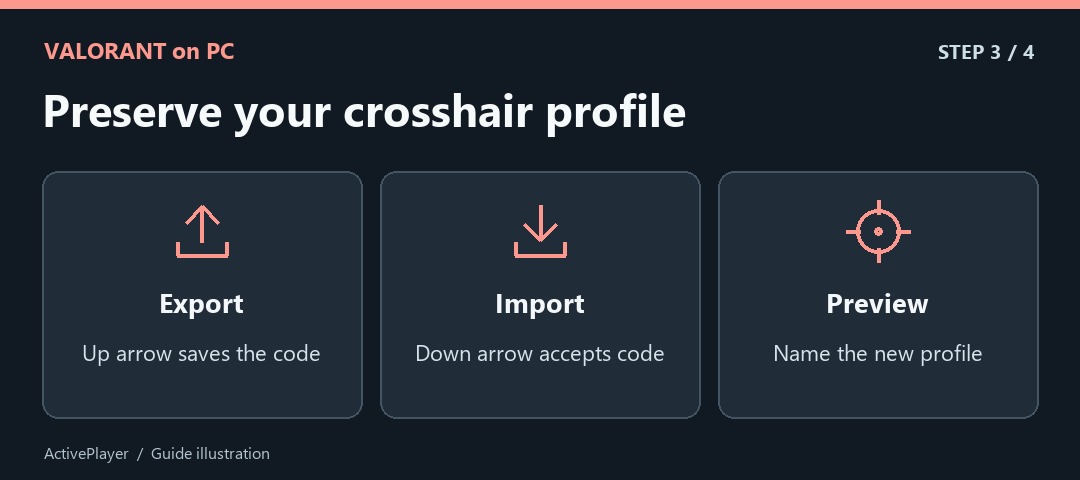
Up and down arrows distinguish exporting and importing a crosshair code before checking the preview.
Illustration by ActivePlayer

4. Tune sensitivity with a repeatable aim drill

Write down your current sensitivity and keep mouse DPI fixed. In the Range, choose two stationary targets and move between the same pair several times. If you repeatedly sweep past the second target, try a small reduction. If you routinely stop short, try a small increase. Repeat the same movement before deciding whether it feels better.
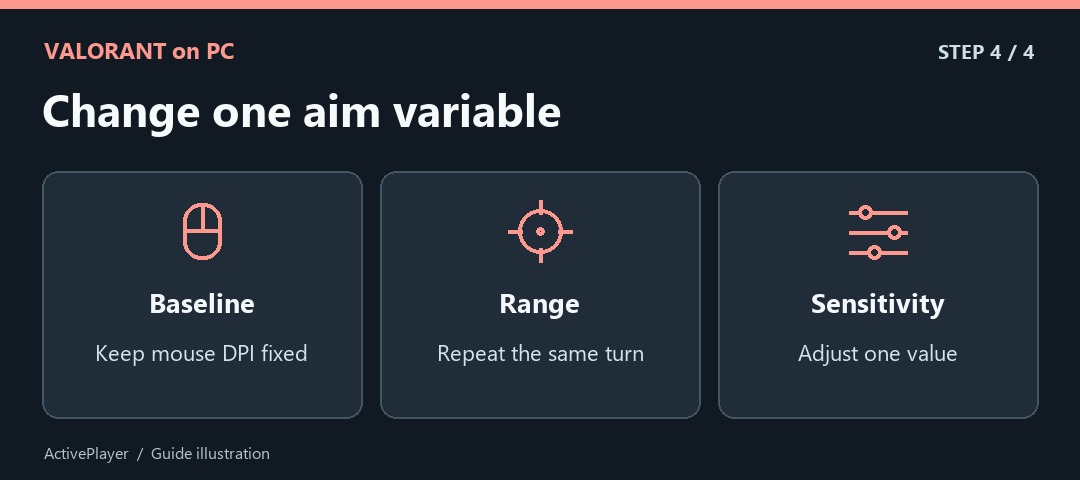
A mouse, range target and slider show how to keep DPI and the aiming drill steady while changing sensitivity.
Illustration by ActivePlayer

Finally, try the new value against both a close and a farther target. The setting that feels quickest on a large target may make small corrections harder. Having the original value and crosshair code gives you a clean way back if either change makes aiming less comfortable.

Tags: PC gamingValorant
ShareTweet

Leave a Reply Cancel reply

Your email address will not be published. Required fields are marked *

I agree to the Terms & Conditions and Privacy Policy.

Top Games (30 Days)

  • 1 Fortnite 🔥
  • 2 Counter Strike 2
  • 3 Battlefield 6🔥
  • 4 League of Legends
  • 5 PUBG: Battlegrounds
  • 6 Overwatch 2
  • 7 Dota 2
  • 8 Valorant
  • 9 Genshin Impact
  • 10 CoD: Black Ops 6
  • About
  • Advertise
  • Privacy & Policy
  • Contact
ActivePlayer.io - Game Statistics Authority

© 2022 ActivePlayer.io Game Statistics Authority - Premium and Free Game Statistics and Data ActivePlayer.io.

No Result
View All Result
  • ActivePlayer
    • Top 20 PC Games of 2026
    • Popular Game Counters
    • Fortnite Leaderboard
    • Overwatch 2 Leaderboard
    • League of Legends Leaderboard
    • Valorant Leaderboard
    • Apex Legends Leaderboard
  • Twitch
  • Down Checker
    • Roblox Down Checker
    • Fortnite Down Checker
    • Genshin Impact Down Checker
    • Valorant Down Checker
    • Overwatch 2 Down Checker
    • Rainbow 6 Siege Down Checker
    • Apex Legends Down Checker
    • Destiny 2 Down Checker
    • Tarkov Live Status Checker
  • Tools
    • Fortnite Battle Royale Stats Tracker
    • Robux Conversion Caclculator
    • Riot Points to USD/Dollar Value Calculator
    • Fortnite V-Bucks to USD Calculator
    • Starfield Ship Name Generator
    • Top Guns in Warzone 2.0
  • Platform
    • Mobile
    • PC
    • PS5
    • PS4
    • XBOX
    • SWITCH

© 2022 ActivePlayer.io Game Statistics Authority - Premium and Free Game Statistics and Data ActivePlayer.io.