








If you open Grand Theft Auto V Enhanced to start GTA Online and see GTA$4 million on the setup screen, pause before picking a car. Most of that money is a business setup budget. You can take a maximum of GTA$1 million of it into the game as cash. Which property you choose has a much bigger effect on your first evening than the figure at the top of the screen.
1. Check your edition and your one-time eligibility
Rockstar lists three supported versions for Career Builder: PlayStation 5, Xbox Series X|S and PC Enhanced. On PC, check which edition you launched. On a console, check the installed game’s version as well as the machine you’re using. Owning newer hardware and running the newer edition are two different things.
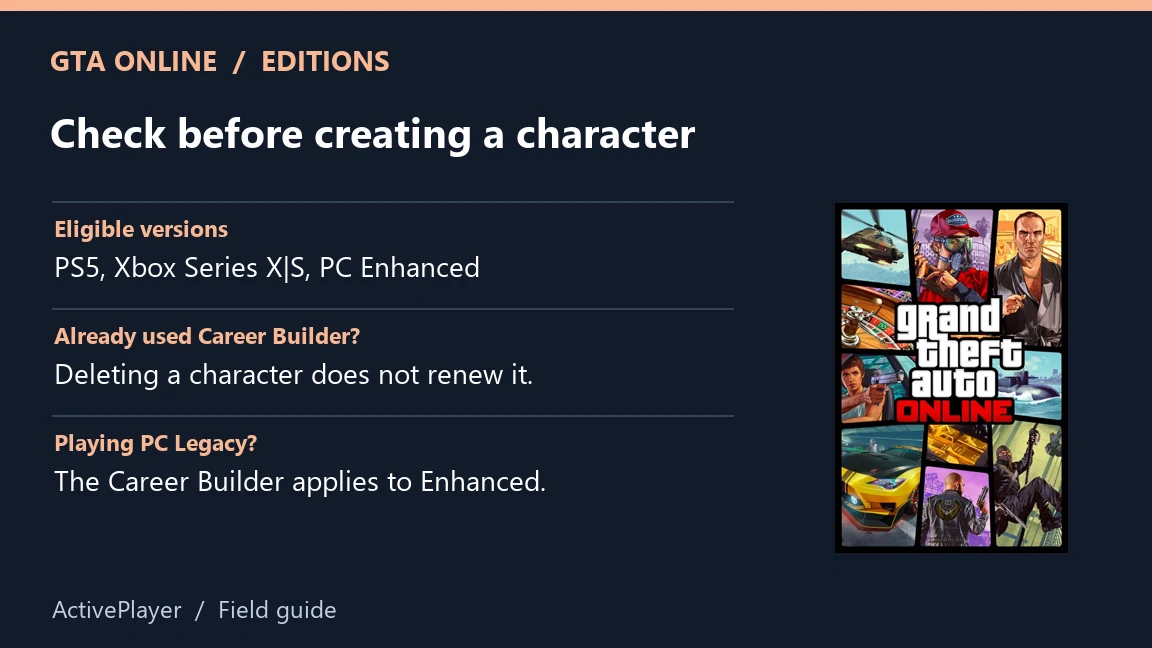
The offer appears during eligible character creation or replacement. It can be used once. If you already used it, deleting that character won’t give you another GTA$4 million. And if you already have a character you care about, overwriting it is a significant decision. You can read the Rockstar Career Builder overview before touching that screen.
2. Pick a business whose first jobs you want to learn
Career Builder offers four starting paths. Think about what you want to do after you load in. A property is also a base you’ll return to. Look at its position on the map and the work it supports before using your remaining budget on optional gear.
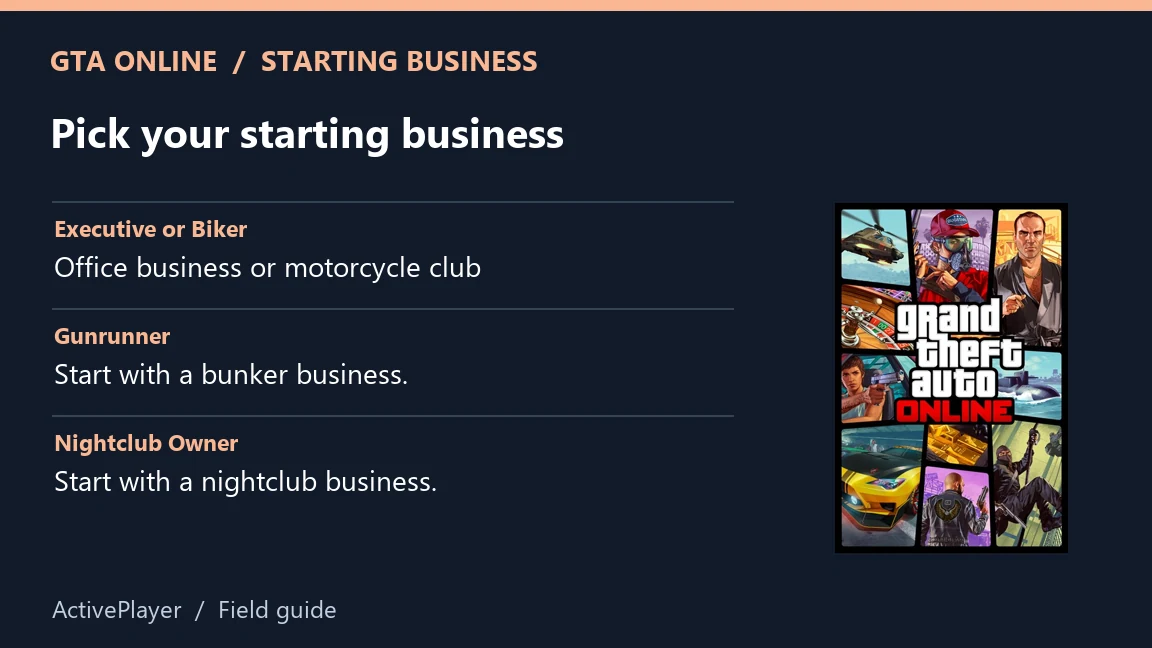
| Career | What you’re choosing | A useful first question |
|---|---|---|
| Executive | An office-based business | Do you want to learn the cargo side of the game? |
| Biker | A motorcycle clubhouse path | Does running a club and its businesses sound interesting? |
| Gunrunner | A bunker-based business | Do you want to learn how supplies and stock work? |
| Nightclub Owner | A nightclub business | Would you enjoy building around a club property? |
If Executive sounds like your kind of start, Rockstar’s Executive guide is a useful companion. Choose a path because you like its activities and can find the property again. A promised hourly payout tells you little about the time you’ll spend learning routes, opening menus or completing setup jobs.
3. Price the package and leave yourself working cash
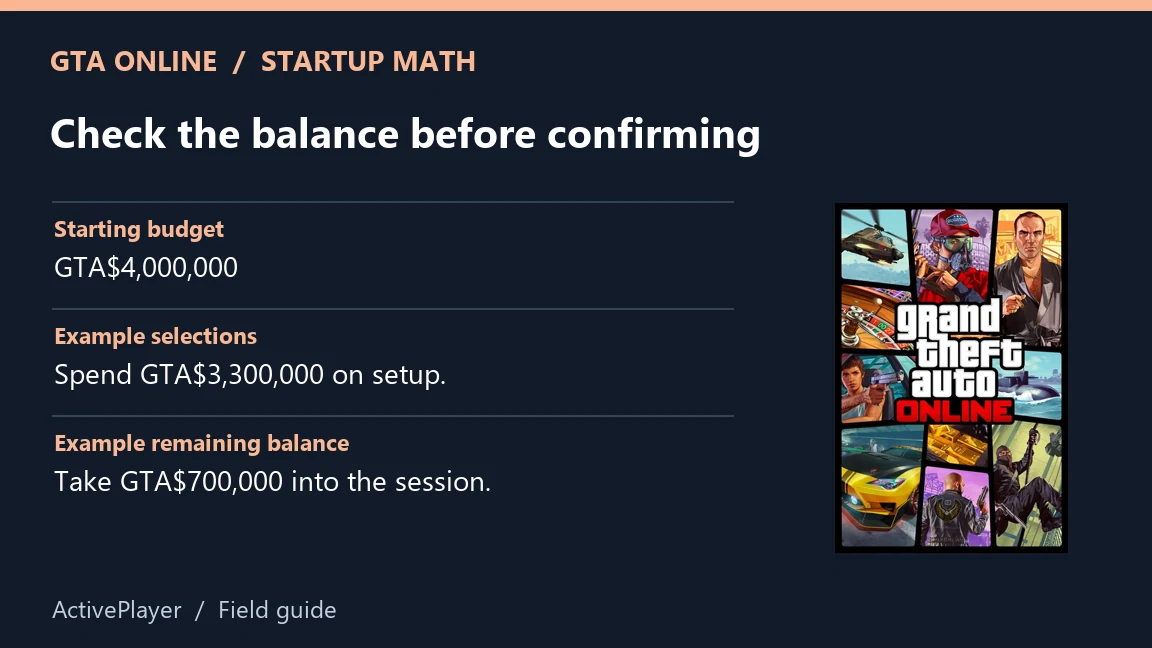
Career Builder lets you spend the starting allocation on categories such as property, vehicles and weapons. Add them up before confirming. With GTA$4 million available and a GTA$1 million carryover cap, a package costing GTA$3.3 million would leave GTA$700,000. Adding another GTA$500,000 to that same package would leave GTA$200,000. That’s the difference one optional purchase can make.
Once you’re in Los Santos, follow the introduction for the property you picked. Get to your base, locate its management point and read the first setup prompt. Finish that introduction before buying another business. You’ll have a much better idea of whether your current bottleneck is cash, equipment or simply knowing where to go next.
If the balance or starting screen looks different
No Career Builder screen? Check your edition and whether you used the offer previously. Less cash than expected? Compare your final selections with the carryover calculation. An older guide sends you straight to a heist? Check its property and player requirements before buying anything for it. Career Builder doesn’t promise that every activity will be available solo the moment you enter the world.
For a quick way to keep the different GTA releases straight, our ActivePlayer history of the GTA series places GTA V and its online mode in context. The rules above apply specifically to GTA Online’s Career Builder as documented by Rockstar.

