






If you’ve opened Call of Duty: Warzone to recreate an old class and found the Gunsmith greyed out, the weapon you chose matters more than the build code you copied. In Modern Warfare 4 Season 1, older weapons use preset configurations. For a class you can customize and share, start with an MW4 weapon. Then choose the perks that fit what you actually do for your squad.
1. Check the playlist before you edit your class
Look at the playlist tile first. Loaded Resurgence puts you into the match with your selected loadout. You keep your equipped weapons after a death, and contributions to eliminations advance your perks. If you spend most of that mode waiting for a loadout drop, you’re waiting for something you already have.

That distinction also matters if you’re following a friend’s advice about a different queue. Season 1 introduced Hajin for large-scale Battle Royale and Zodiac for Resurgence. If you’re joining on Nintendo Switch 2, our Warzone launch guide explains how the new version fits into Season 1. In the lobby, agree on the mode before comparing classes. Activision lists the rules for each playlist.
2. Pick a class you can change, or recover the preset you already own
Open Create-a-Class, select the primary or secondary slot, then open Legacy to see older choices. A Legacy base weapon comes with a preset. A Legacy blueprint uses its existing setup. If a blueprint is locked, open Armory Unlocks and read its individual player-XP requirement. Once unlocked, look for its Legacy designation in your loadout.
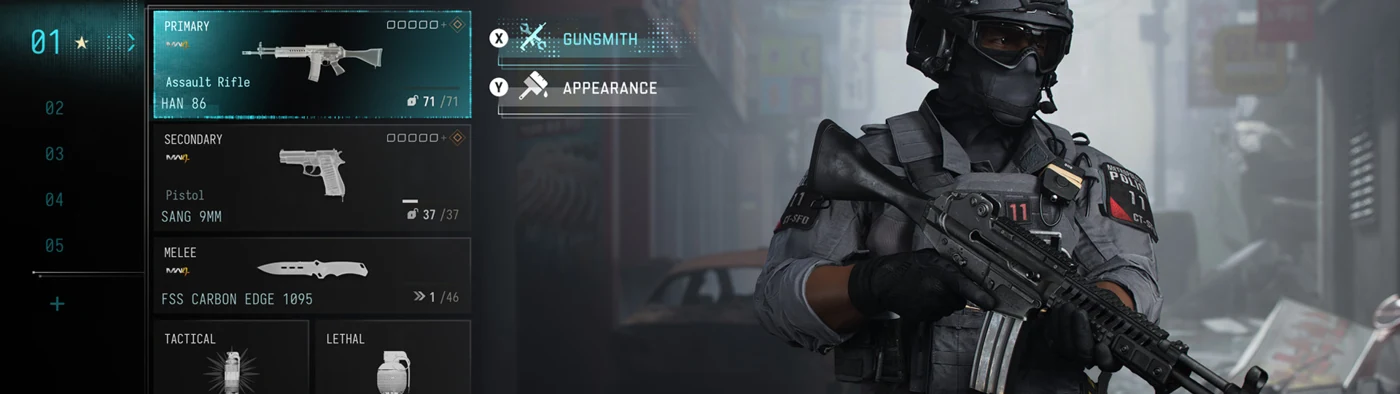
Here’s a quick way to diagnose a failed import. If a friend sends you a build code and your selected item says Legacy, stop re-entering the code. Legacy items don’t support build sharing or Gunsmith edits. Switch to an MW4 choice if you want to customize it. The November 16 patch also fixed a separate bug that could prevent editing an entire loadout containing a Legacy item. A fixed preset is expected. A whole class that refuses to open was a different issue. Warzone patch notes.
3. Give each perk slot a job
For a squad class built around getting teammates back into the match, try Field Medic, Scavenger and Wingman. They occupy slots one, two and three respectively, so you can actually equip that combination. Here’s when it’s worth changing one.
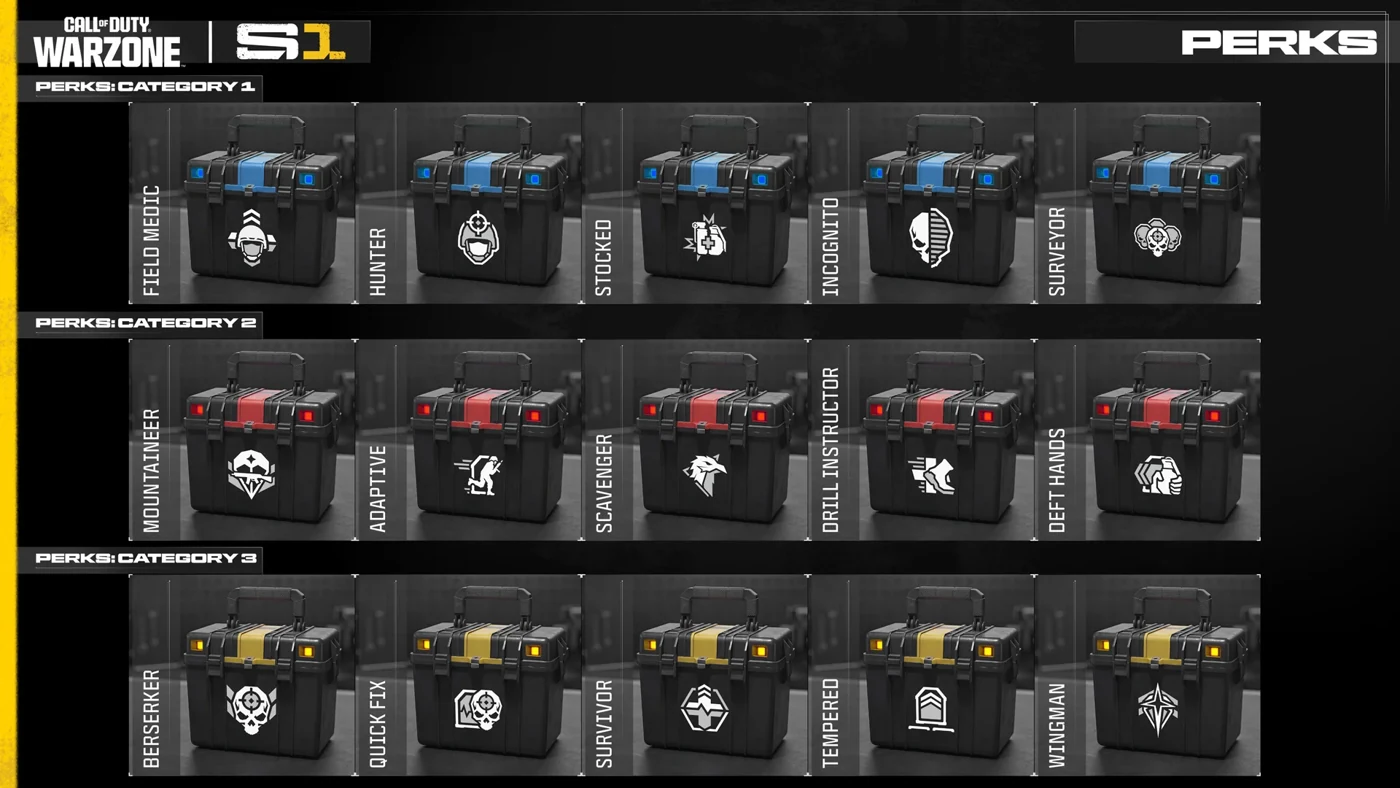
| What keeps happening? | Pick or swap | What changes in the game |
|---|---|---|
| Your teammate returns from a revive with too little health | Slot 1: Field Medic | Its revive restores an ally to full health. That gives the returning player a better chance to rejoin the objective. |
| The squad repeatedly runs short of supplies | Slot 2: Scavenger | Eliminations drop packs with supplies for the squad, including plates and cash. Someone still has to collect the pack. |
| Buying teammates back strains your cash | Slot 3: Wingman | Buybacks cost less and returning players don’t produce a redeploy flare. |
| You rarely need buybacks but constantly run short of plates | Swap Wingman for Tempered in slot 3 | Refilling armor takes two plates instead of three. You give up Wingman’s buyback benefit to take it. |
4. Separate match upgrades from your saved loadout
In a match, look for the portable Fly Buy stations dropped by drones. They can offer a limited supply of Weapon Augments. If you choose one, its bonus lasts for that match. Finding an empty station in a later round doesn’t mean your saved build broke.
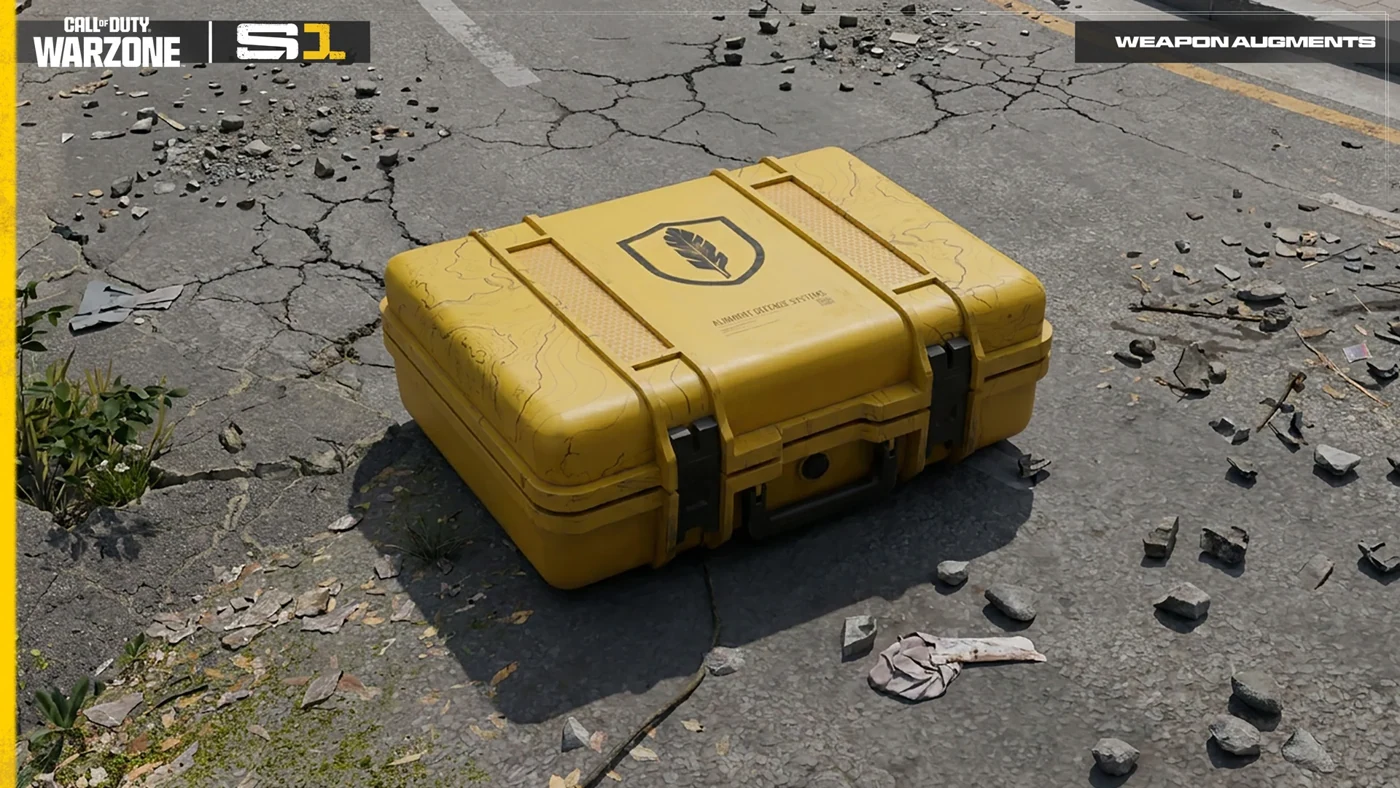
An Elite Perk is a different pickup. The fourth perk slot is filled inside the match, including at Buy Stations or through Supply Run Contracts. Only one Elite Perk can be equipped at a time. When you compare your class with a teammate’s end-of-match screenshot, compare the three ordinary slots first. A temporary fourth perk or an augment can explain the difference without changing a thing in the lobby.
Watch the official Season 1 video alongside Activision’s Warzone overview for the map and mode context.

